
Substack SEO Audits: A Step-by-Step Checklist to Fix Hidden Newsletter Problems
If your Substack is full of good writing but Google barely notices, you are not alone. Many smart writers ship issue after issue, then wonder why search brings in only a trickle of new readers.
A simple Substack SEO audit is like spring cleaning for your archive. You are not rebuilding your newsletter, you are just fixing the silent problems that keep your best posts buried.
In this guide, you will get a clear, no-drama checklist you can run in an afternoon. No plugins, no code, just things you can actually do inside Substack in 2025.
Why Your Substack Needs An SEO Audit (Even If You “Just” Write)
Your Substack is not only an email list. It is also a public website that Google can index and rank.
SEO helps with:
- Web discovery: how people find your posts in search.
- Email performance: better titles and clear topics usually mean better opens and clicks.
Email deliverability is its own topic, but a messy archive, weak titles, and confusing URLs all make your web version less useful. That means fewer people find you, subscribe, and share your work.
If you want a deeper background on how Substack SEO works, Colin Gardiner’s complete Substack SEO guide is a solid reference. What you are reading now is the hands-on checklist to apply it.
Step 1: Check Your Foundations (Domain, Indexing, Basics)
First, you want to know what Google already sees.
Checklist
- Google your site with:
site:yourname.substack.comandsite:yourcustomdomain.com. - Note which version shows more results. That is the version Google trusts more today.
- If you are adding a custom domain, connect it in Substack Settings, then keep your old
yourname.substack.comURL active so Substack can forward old links. - Set up Google Search Console (free) for your Substack domain. It shows which posts are indexed, which queries bring traffic, and any crawl issues.
- Add Google Analytics 4 (also free) to track traffic over time.
Quick wins
- Verify that your homepage and a few key posts appear in Google.
- If they do not, submit your main URLs in Search Console so Google can recrawl them faster.
Think of this step as checking that your house is on the map before repainting the rooms.
Step 2: Fix On-Page SEO On Your Top Posts
Now you tune the posts that matter most. Start with pieces that already get some views or drive signups.
Substack gives you SEO fields for each post: title, description, and URL. Kristi Koeter’s guide to Substack SEO settings walks through where these fields live if you need a visual.
On-page audit checklist
Open a post, then go through:
-
Title
- Include your main keyword in natural language.
- Keep it clear, not clever.
- Aim for under 60 characters.
Example:
Instead of: “Thoughts On Writing Online”
Try: “Substack SEO Audit For Writers: Simple Steps To Get Found” -
SEO description
- Use the SEO or excerpt field in Substack.
- Write 1–2 short sentences, 140–160 characters.
- Include your keyword once, plus a benefit.
Example:
“Run a fast Substack SEO audit to fix titles, URLs, and links so your best posts finally show up in Google search.” -
URL slug
- Make it short, descriptive, and lowercase.
- Use hyphens, not random numbers.
Example:
substack-seo-audit-checklistinstead ofpost-123456.
For more ideas, see this post on optimizing Substack URL slugs. -
Headings and structure
- Break long sections into H2 and H3 headings.
- Use plain-language headings that match what people search.
-
Images and alt text
- Add short image descriptions that describe the image and topic.
- Example: “Substack dashboard showing SEO audit checklist on screen.”
-
Tags
- Use a few tags with real search terms, not just fun labels.
- Think “email marketing,” “Substack SEO,” “writing tips” rather than inside jokes.
Quick wins
- Update titles and slugs on your top 5–10 posts.
- Rewrite their descriptions with clear benefits and keywords.
Step 3: Clean Up Your Archive And Internal Links
Your archive is where readers binge your work. It is also where Google learns what your site is about.
Archive audit checklist
-
Make key posts public
- If important guides are email-only, they cannot rank.
- Consider making at least one strong piece per topic public.
-
Fix orphan posts
- An “orphan” is a post with no links from other posts.
- Inside new and popular posts, add a short “Related” line that links to 1–3 older posts.
Example:
“If you liked this Substack SEO audit, you might also like my guide on keyword research for newsletters.” -
Tidy tags and sections
- Remove near-duplicate tags.
- Keep 5–10 core themes that match search topics.
Boodsy’s Essential Guide to Substack SEO explains how this kind of structure helps your whole site look more trustworthy in search.
Step 4: Technical Checks You Can Do Without A Developer
“Technical SEO” sounds scary. On Substack, it mostly means simple checks.
A few quick tools help:
- Mobile view
- Open your posts on your phone.
- Check font size, spacing, and image width.
- Break up any wall of text into shorter paragraphs.
- Speed basics
- Run your homepage through PageSpeed Insights.
- If images are huge, compress or resize them before upload.
- Avoid stacking lots of heavy GIFs in one post.
- Canonical URLs
- A “canonical” tells Google which version of a page is the main one.
- Substack sets these automatically, which is good.
- Do not copy and paste full posts to other sites without linking back, or you might confuse Google.
- Public archive access
- Log out or use an incognito window.
- Check that your main archive, recent posts, and key guides open without friction.
For a more setup-focused view, Jurgen Appelo’s Monster Setup Guide to Substack pairs nicely with this checklist.
Step 5: Measure, Iterate, And Build A Simple SEO Habit
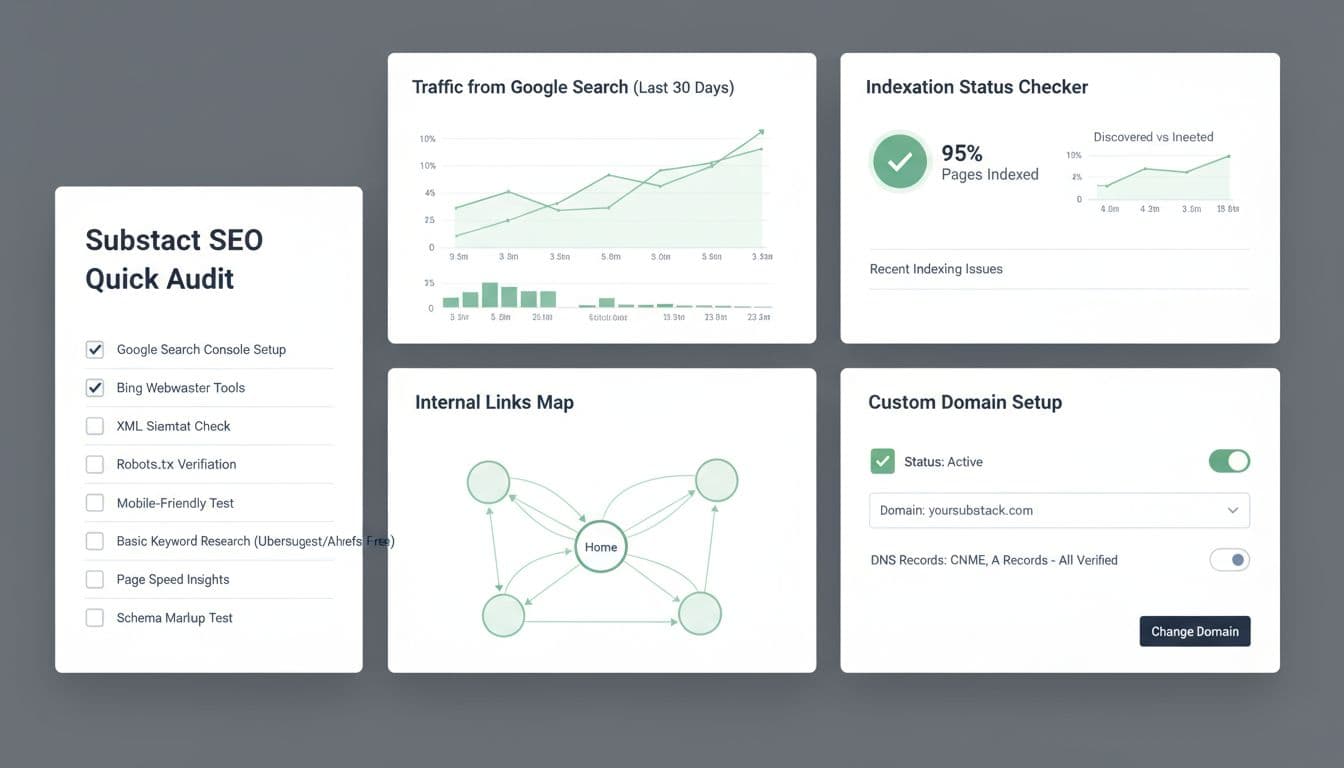
Substack SEO audit metrics and analytics dashboard. Image created with AI.
An audit is not a one-time cleanse. You get better search results when you turn this into a light habit.
Monthly mini-audit
- Open Google Search Console.
- Check “Performance” to see which queries bring clicks.
- Note which posts get the most traffic from Google.
- Improve winners first.
- If a post ranks but gets few clicks, try a sharper title.
- Substack’s A/B title tests help here, since you can test a more SEO-focused version with a more playful one.
- Fill obvious gaps.
- If you see many searches like “Substack SEO audit template,” write a short guide that answers that question in depth.
You do not need daily tracking. One focused hour per month is enough to spot patterns.
If you like to batch work, a scheduling tool such as Dispatchrly can help you plan posts around the keywords and topics that perform best.
Step 6: Moving To A Custom Domain Without Wrecking SEO
Many writers start on yourname.substack.com and later move to a custom domain. Done right, this can boost trust and long-term search growth.
Migration checklist
- Add your custom domain in Substack Settings, then follow their steps for DNS.
- Keep your old Substack URL active so existing links keep working. Substack forwards traffic for you.
- Add the new domain to Google Search Console as a separate property.
- Submit your homepage and a few key URLs for re-indexing.
- Watch search traffic for 4–8 weeks. Some wobble is normal while Google learns the new domain.
During this time, keep publishing on your normal schedule. Fresh, consistent content sends a strong signal that your site is alive and worth indexing.
Step 7: Extra Resources If You Want To Go Deeper
Once your basic Substack SEO audit is in place, you might want more tactics and case studies.
A few useful reads:
- A post-level checklist in Maximize Your Substack: The Ultimate Post Optimization Checklist.
- A strategic view of why search matters for newsletters in Substack SEO Strategy.
- A publishing-order angle in Substack SEO tactics for maximum reach.
Pick one, skim it, and then come back to your own checklist. Learning is useful, but action is what moves your numbers.
Bringing Your Substack SEO Audit Together
You do not need to become an SEO expert to grow through search. You just need a repeatable Substack SEO audit that covers titles, URLs, internal links, and a few light technical checks.
Start with your foundations and top posts, then tidy your archive, then track what works. Treat it like caring for a garden. A little pruning and attention, week after week, beats one huge effort you never repeat.
Set aside one focused hour this week, run through the checklist, and watch how much more future readers can actually find the work you have already done.


