

Turn Newsletters into Substack Notes, Step-by-Step (Templates)
What if one newsletter could spark five, ten, even twenty quick conversations on Substack Notes? That is the power of turning each issue into a series of Notes. Notes are short posts inside Substack, like a feed for quick thoughts, quotes, links, and snippets. They live on your profile, not in email, which makes them perfect for discovery.
Here is the problem most writers face. You pour hours into a newsletter, hit publish, then wait. Readers skim, they move on, and your best ideas fade fast. Notes fix that by providing Notes for growth, breaking one newsletter into small, shareable pieces that keep your ideas circulating. More touchpoints, more comments, more chances for the right reader to click subscribe.
In this guide, you will get a clear, step-by-step process to turn a newsletter into a week or more of Notes. You will see examples that show what to post and when. You will get simple templates you can copy, so you can move from “What do I say today?” to “Scheduled and done.”
Want this to take minutes, not hours? Dispatchrly makes it effortless with AI automation. You can batch-write your Notes in a clean editor, drop them into an automated queue with your best posting times, and map a month on a visual calendar. Drag to reschedule, save ideas in a notes vault, pull from a template vault, then publish with one click (I do not ask you to speak to a computer!). One newsletter in, a series of Notes out, steady growth on repeat.
Why Repurpose Newsletters into Notes? Boost Your Substack Growth and Grow Audience
 Image created with AI
Big newsletters build authority. Short Notes keep you in the conversation. When you repurpose newsletter content into several Notes, you multiply touchpoints without starting from scratch. It is the difference between a single billboard and a week of friendly check-ins.
Long-form vs. Notes: Different jobs, same goal
Your Substack Articles are the in-depth story. They build trust, context, and conversions. Notes are the highlights. They are quick, skimmable pieces that tease ideas, share quotes, or ask a question.
- Newsletter: depth, analysis, conversion to paid.
- Notes: visibility, reach, daily interaction.
Think of Notes as the top of funnel to your publication. They pull people in, then your newsletter keeps them.
Visibility that compounds in the Notes feed
Notes live in Substack’s public feed, so they reach beyond your list. They show up for non-subscribers, get boosted by replies and restacks, and surface your profile often. As one guide puts it, newsletters build trust, Notes build visibility. See the playbook in How I’d Teach Substack Growth in 2025.
Post several Notes from one newsletter, spaced out over days. Each one is a new door to your work.
Engagement and growth trends in 2025
Short-form content still drives quick actions in 2025. Creators report faster comment velocity, more profile views, and higher follow rates when they share short-form alongside long-form. Substack’s growth backs this up, with millions of paying subscribers and rising discovery features that reward active posting. For a wider snapshot, review the Substack 2025 Trend Report.
Key takeaway: short sparks attention, long converts attention.
Save time, stay consistent, grow faster
Repurposing protects your calendar and your energy. You write once, then publish many times. It keeps you present on the feed without daily writing, and it removes the “what do I post today” drag.
- Consistency: a steady cadence that trains readers to check in.
- Time-saving: batch a week of Notes from one issue.
- Momentum: more chances for replies, restacks, and new subscribers.
You already did the hard thinking. Notes make sure that thinking works harder for you.
Step-by-Step Guide: How to Break Down Your Newsletter into Notes
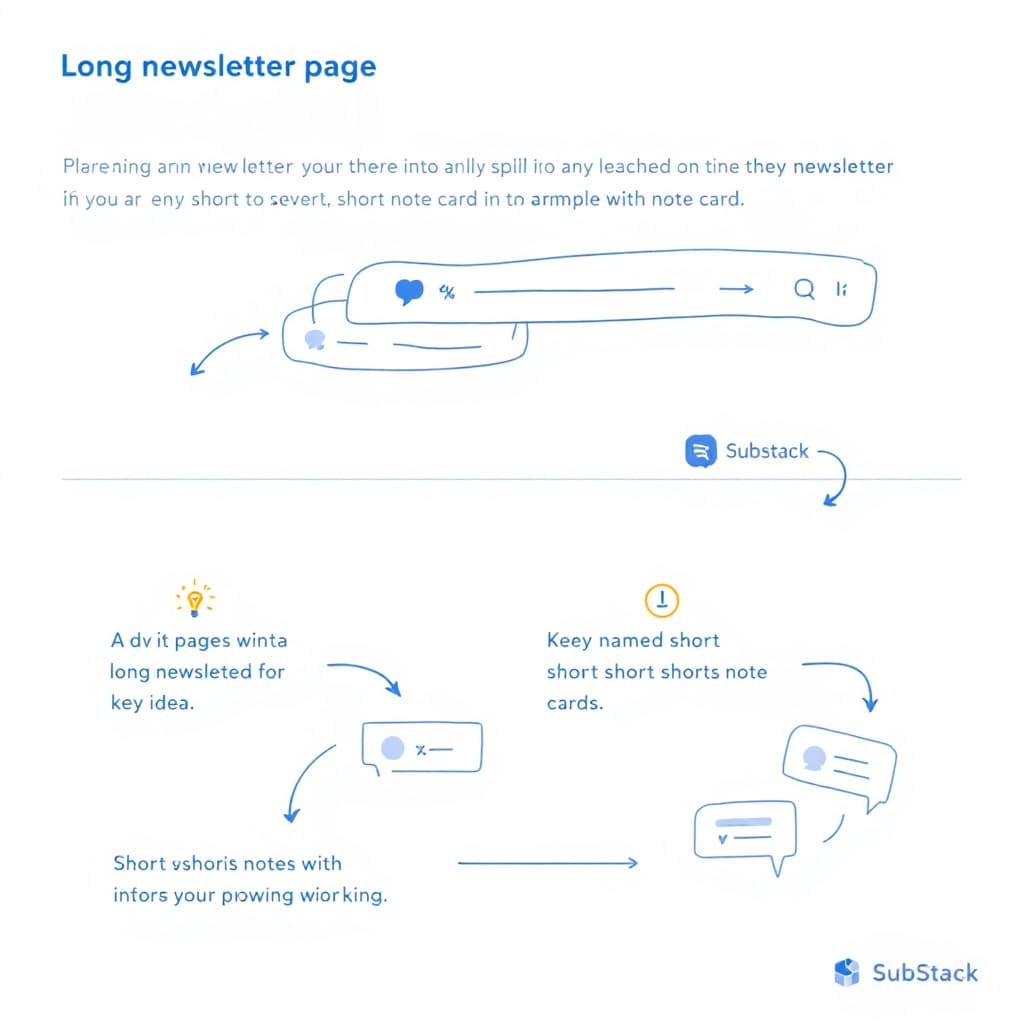 Your newsletter holds more ideas than you think. The trick is to pull out the single points that work on their own, then post them as Notes, one idea at a time. Follow this simple flow to turn one issue into several high-performing Notes and keep your feed active all week.
Step 1: Spot the Key Ideas in Your Newsletter
Read your latest issue with a highlighter in hand. You are looking for lines or insights that make sense without full context. Ask, does this stand alone, would a new reader deliver value from this immediately in 10 seconds, can I sum it up in one sentence?
Tips that help:
- Look for clear claims: rules, bold takes, or short lists.
- Pull quotes that capture a theme.
- Find micro-lessons that do not need charts or deep backstory.
Quick example from a writing tips newsletter:
- Original paragraph: “Strong writing starts with a clear promise to the reader. If the first sentence does not set direction, the rest loses power.”
- Standalone Note idea: “Your first sentence is a promise. Set direction in 12 words or less.”
For a broader walkthrough on turning posts into Notes, see this practical outline on repurposing your Substack into Notes with automation steps.
Step 2: Turn Ideas into Short, Standalone Notes
Build each Note around one idea. Keep it tight, 100 to 200 words. Write it so a busy reader can scan, nod, and reply.
- One idea per Note, no detours.
- Front-load value with a strong opening hook in the first line.
- Use simple structure: claim, quick proof, takeaway.
Before: “Writers should improve their hooks because it improves attention and click-throughs. You need to think about the reader’s self-interest, the power of curiosity, and clarity over cleverness, which helps your open rates and read time.”
After: “Hooks are promises. Name the win, spark curiosity, then keep it clear. Try this: ‘Steal this 5-minute edit that cuts 100 words without losing meaning.’ It is specific, short, and easy to prove. Readers do not need clever, they need a reason to stay.”
For more ideas on format and tone, skim this guide on writing effective Substack Notes.
Step 3: Add Hooks to Spark Conversations
End each Note with a nudge that invites a reply or a restack. Short prompts work best. Integrating CTAs in Notes like these keeps engagement high.
Options to try:
- A question: “What is your take on this edit?”
- A call to action: “Try it today, then tell me what changed.”
- A quick personal touch: “I cut 84 words with this yesterday, felt great.”
Why it works: questions slow the scroll, replies boost reach, and Restacks amplify your content further. Personal notes build trust. Small hooks create big comment threads.
Step 4: Automate with Tools for Easy Posting
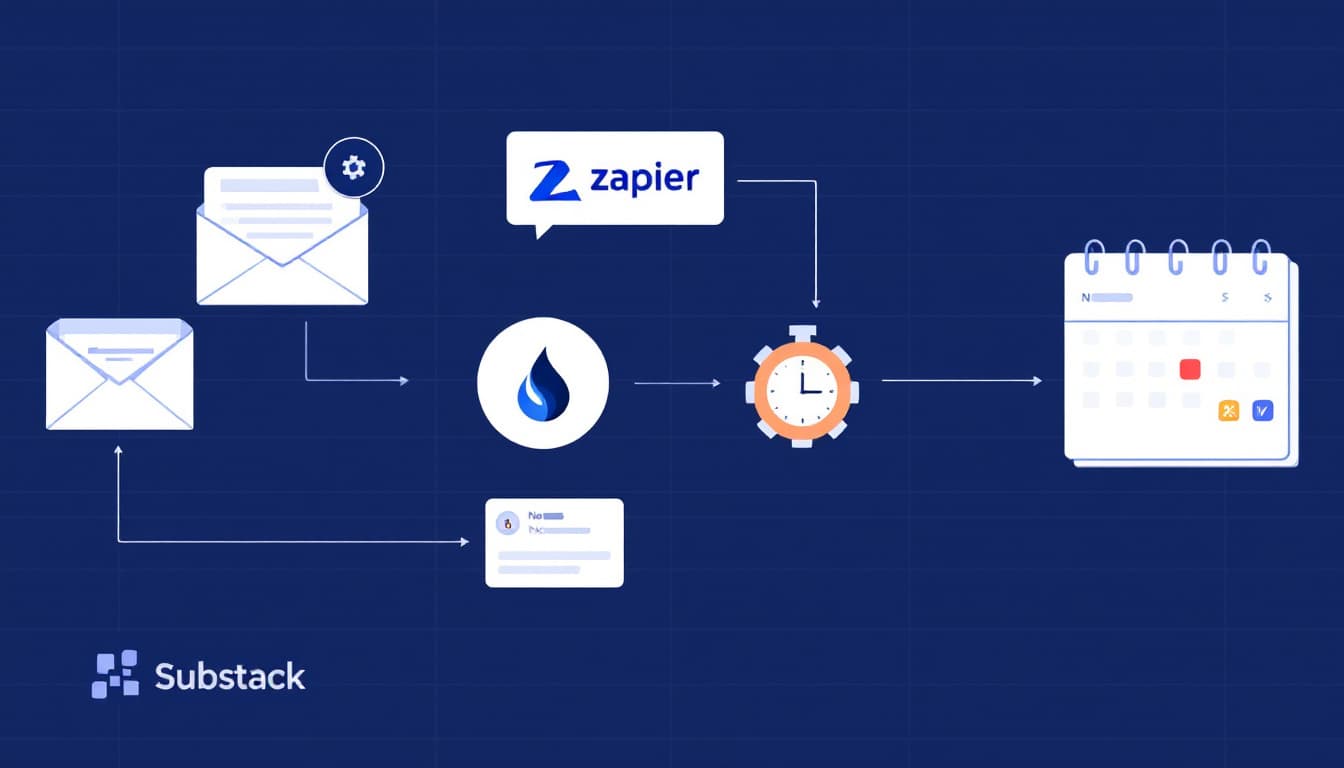 Set up a simple workflow so Notes go out on time, every time.
Reusable workflow:
- Publish your newsletter.
- Pull 5 to 10 standalone ideas.
- Drop them into a queue, schedule across the week.
You can connect tools like Zapier for content extraction, then schedule in a planner. Or use Dispatchrly to do it in one place. Dispatchrly overlays on Substack, gives you a clean editor, a template vault for quick starts, and a visual calendar with your best posting times. Drag to reschedule, save ideas in a notes vault, then one-click publish. One issue in, a week of Notes out.
Step 5: Track and Expand What Works
Watch what gets likes, replies, and restacks. Save winners, then expand them into future posts or new newsletters.
Simple loop to run weekly:
- Identify your top two Notes by comments.
- Ask why they hit: topic, phrasing, timing.
- Expand one into a deeper newsletter, use a ChatGPT prompt to draft an outline if it helps.
- Create two new Notes that follow the same pattern.
Example: A Note on “one-sentence promises” gets 18 comments. You write a follow-up newsletter with 5 examples, then schedule three fresh Notes from it. That is momentum, not more work.
Keep it light, keep it steady, keep it focused on one idea at a time.
Examples and Templates: Ready to Copy for Your Substack
Turn a single section into several Notes that stand on their own. Keep one idea per Note, then add a short hook that invites replies. Use the examples below, then drop the templates into Dispatchrly’s template vault so you can fill, schedule, and move on.
 Image created with AI
Real-world conversions: newsletter section to Notes
Use these as patterns. Each starts from a typical newsletter section and becomes fast, scannable Notes.
- From a “3 mistakes” section
- Note 1: Bold claim. “Most writers bury the point in paragraph two. Put it in line one. Your reader is busy.”
- Note 2: Quick fix. “Edit pass: delete your first sentence, keep the second. Cleaner, faster, tighter.”
- Note 3: Hooked question. “What line do you always cut on your second draft?”
- From a case study highlight
- Note 1: Key insight. “Small wins beat big goals. One daily action compounds into outcomes you can feel.”
- Note 2: Micro metric. “One sentence, one promise: tell readers the win before the why.”
- Note 3: Prompt. “Which tiny habit moved your metrics last month?”
- From a “tools I use” section
- Note 1: Recommendation. “Use a weekly queue for Notes. Consistency beats bursts.”
- Note 2: Mini workflow. “Sunday: pull 7 ideas. Monday: schedule. Week: reply fast.”
- Note 3: CTA. “Want my 7-minute setup? Reply ‘setup’ and I will share it.”
For more proven formats, scan these viral Note styles in 25 Viral Substack Note Templates That Got Me 5,000+ Likes and study what converts in These 11 Substack Notes Brought Me 200+ Subscribers.
Copy-ready Note templates
Save these in Dispatchrly’s template vault, then fill and schedule your week.
-
Universal Note Template
- Title: Write the promise in 8 to 12 words.
- Body: 1 to 3 tight lines to deliver value. Claim, proof, takeaway.
- Hook: A question or single next step.
Example:
- Title: Your first sentence is a promise
- Body: Name the win early, then prove it fast. Readers decide in seconds. Lead with value.
- Hook: What promise opens your next post?
-
Productivity Newsletter Template
- Title: One habit, one benefit.
- Body: Describe the habit, add a tiny proof or stat, state the outcome.
- Hook: Ask for their tweak or timebox.
Example:
- Title: The 10-minute reset that saves my afternoon
- Body: Timer, email off, list three next actions. I recover focus in under 10 minutes.
- Hook: What is your quick reset when energy dips?
Tip: Batch-fill these once, store in Dispatchrly, then drag them onto your calendar and let the queue do the rest.
Pro Tips and Tools to Streamline Your Notes Series
 Photo by DS stories
You want a Notes series that runs like clockwork, feels fresh, and keeps readers talking. Here is a simple, repeatable growth strategy you can set up once, then run with minimal effort week after week.
Lock in your cadence
A steady rhythm beats random bursts. Pick a pace you can keep, then let it compound.
- Start with 1 to 2 Notes per day on weekdays, 1 on weekends.
- Batch 5 to 10 Notes right after publishing your newsletter.
- Use a queue so posting happens even when you are offline.
For a primer on what works on Notes, including tracking engagement metrics with Restack, skim this practical tutorial on growth and format in How to Use Substack Notes to Get More Subscribers.
Post at the right times
Time slots matter. Aim for when your readers are likely to scroll their Notes feed.
- Try weekday mornings for workday readers, weekends for hobby content.
- Set a few anchor times, then test and adjust every two weeks.
- Use this guide on timing from Substack’s team to shape your schedule: Posting consistently: When to publish.
Build once, schedule many with Dispatchrly
Stop copy-pasting and start flowing.
- Write in a distraction-free editor overlaid on Substack.
- Drop Notes into an automated queue with your preferred posting times.
- Use a visual calendar and drag-and-drop scheduling to map your week.
- Store ideas in a notes vault, speed up with a template vault, publish with one click.
- Pay once, use it forever with lifetime access, no subscription.
Avoid repetition without extra work
Keep it fresh, even when you repurpose newsletter content.
- Rotate formats: bold take, micro-lesson, quote, prompt.
- Change the hook and angle, not the core idea.
- Space similar Notes 48 to 72 hours apart so they do not blur.
Conclusion
One issue can fuel a week of conversations. You saw how to spot standalone ideas, turn them into short Notes, add a simple hook, schedule them on a steady cadence, and track what earns replies and restacks. The payoff is clear: more visibility, more engagement through comments, and more steady growth without daily effort.
This is how you protect your time and build trust at the same time. Long-form converts, short-form content sparks attention, and the loop between them compounds your reach. Keep one idea per Note, write it clean, then let the schedule do its job. Repeat weekly, and your feed will work while you work.
Here is your next move. Pick one past newsletter, highlight three lines that stand alone, and post the first Note today. Keep it tight, end with a question, and reply fast. Then queue the rest so momentum never stalls.
If you want this to take minutes, not hours, use Dispatchrly. Batch your Notes, set your best posting times, and map your month on a visual calendar. Drag, drop, publish, done. Lifetime access is available at dispatchrly.com.
Build your Substack with purpose in 2025. Small, consistent posts today create outsized results tomorrow. Ready to start?
